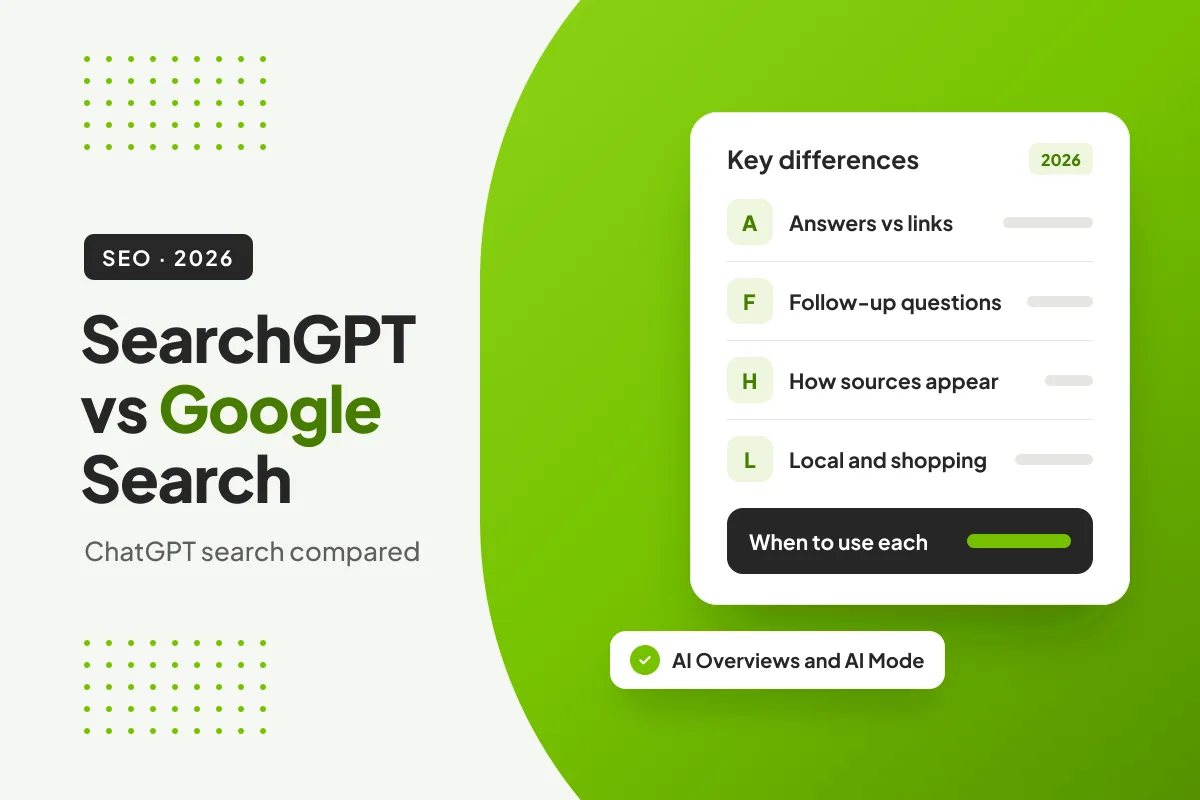
SearchGPT was the name of a search prototype that OpenAI tested in 2024. It is no longer a separate product: OpenAI brought its best features into ChatGPT, and they are now called ChatGPT search. So when people compare SearchGPT with Google today, they are really comparing ChatGPT search with Google Search, which itself now includes AI features called AI Overviews and AI Mode.
The short answer: use Google when you want to scan many sources, find a local business, compare products or reach a specific website quickly. Use ChatGPT search when you want a written answer that brings several sources together and you plan to ask follow-up questions. This guide explains how each one works, where they differ and what it means if you run a business website.
What happened to SearchGPT?
OpenAI announced the SearchGPT prototype on July 25, 2024, as a temporary test for a small group of users and publishers. OpenAI said from the start that it planned to add the best features into ChatGPT.
That happened on October 31, 2024, when OpenAI launched ChatGPT search, saying it had brought "the best of the SearchGPT experience into ChatGPT." It reached all logged-in users on December 16, 2024, and on February 5, 2025 it became available to everyone where ChatGPT is available, without signing up.
There is no separate SearchGPT website or app to use today. Search is a built-in feature of ChatGPT.
SearchGPT (ChatGPT search) vs Google Search at a glance
| ChatGPT search | Google Search | |
|---|---|---|
| What you get | A written answer in a conversation, with citations | A results page of links, often with AI Overviews, images, maps and other result types; AI Mode gives a written answer |
| How you search | ChatGPT searches automatically when your question needs current information, or you choose Search yourself | Every query is a web search; you choose AI Mode for an AI-powered answer |
| Follow-up questions | Yes, in the same chat | Yes, in AI Mode; classic results treat each search separately |
| How sources appear | Inline citations and a Sources panel | Ranked links, plus supporting links inside AI Overviews and AI Mode |
| Where results come from | Third-party search providers and content from OpenAI's partners | Google's own index of the web |
| Local, shopping and media | Maps on mobile and restaurant search with reservation partners, on eligible plans | Dedicated Maps, Shopping, Images, Videos and News results |
| Who can use it | ChatGPT users on all plans, including Free, and people who are not signed in | Anyone |
| How a website gets included | Allow OpenAI's OAI-SearchBot crawler | Be indexed by Google and eligible to show with a snippet |
How ChatGPT search works
According to OpenAI's help center, ChatGPT may search the web automatically when your question would benefit from current information. You can also start a search yourself from the tools menu.
When it searches, ChatGPT often rewrites your question into one or more targeted queries and sends them to the search providers it works with. It then writes an answer from the results. Answers can include inline citations, and a Sources button lists the pages it cited along with other relevant links.
Because search happens inside a chat, you can refine the answer by asking follow-up questions instead of starting over. Search is available on every ChatGPT plan, including Free, and to people who are not signed in, within each plan's usage limits.
How Google Search works today
Google Search still starts with its own index: Google organizes information from webpages and ranks the most relevant, useful results for each query. On top of the classic list of links, Google now has two generative AI features.
- AI Overviews appear at the top of some results pages with a short AI-generated summary and links to learn more. Google's documentation for site owners says they are shown only when its systems decide they add something to classic results, so they often do not appear.
- AI Mode is a separate experience for complex questions that need more reasoning or comparison. Google's help page explains that it splits your question into subtopics and searches each one at the same time, an approach Google calls "query fan-out." You can ask follow-up questions, and when Google is not confident in an AI response, AI Mode may show a set of web links instead.
If you only want the classic list of links, you can select the Web filter on the results page.
5 key differences between SearchGPT and Google
1. An answer vs a page of results
ChatGPT search gives you one written answer and lets you open the sources behind it. Google's classic results give you a ranked list of pages to choose from, and AI Overviews add a summary only for some queries. AI Mode is Google's closest equivalent to ChatGPT search.
2. Conversation and follow-up questions
In ChatGPT, every search is part of a conversation, so it can use the earlier context when you ask "what about for a small business?" Google's classic results treat each query on its own. AI Mode supports follow-up questions, but classic Search remains the default.
3. How sources are shown
ChatGPT places citations inside the answer and collects them in a Sources panel. Google shows sources as ranked links with titles and snippets, and AI features show supporting links next to the generated text. In both cases, open the source before relying on an important fact: AI-generated answers can contain mistakes.
4. Where the information comes from
Google builds results from its own crawled and indexed copy of the web. OpenAI says ChatGPT search uses third-party search providers as well as content provided directly by its partners, and it runs its own crawler, OAI-SearchBot, to find sites to show in search answers.
5. Local results, shopping and media
Google has dedicated results for maps, products, images, videos and news, so it remains the faster choice for finding a nearby business, checking opening hours or comparing products across stores. ChatGPT search can show maps on its mobile apps and, on eligible plans, search for restaurants with reservation partners, but its focus is the written answer.
Strengths and limitations
| Strengths | Limitations | |
|---|---|---|
| ChatGPT search | Brings several sources into one readable answer; handles follow-up questions in context; useful for explaining, comparing and planning | You see fewer sources than on a results page; answers can contain errors; searches count toward plan usage limits |
| Google Search | Many sources to compare; strong local, shopping, image and news results; quick for finding a specific website | Classic results need more clicks to piece together an answer; AI Overviews appear only for some queries |
Which one should you use?
Most people will use both. A simple way to decide:
- Use Google to find a specific website, a nearby business, product prices across stores, images, videos or a wide range of opinions to compare.
- Use ChatGPT search to get a topic explained, summarize what several sources say, plan something step by step, or keep refining a question through follow-ups.
- Use Google AI Mode if you prefer a conversational answer but want to stay in Google.
- Check the sources yourself for anything important, such as health, legal, financial or pricing information, whichever tool you use.
What this means for your website
For businesses, the question is not which tool wins but whether your pages can appear in both. The good news is that the basics are the same.
Google AI Overviews and AI Mode
Google says there are no extra requirements and no special optimization needed to appear as a link in AI Overviews or AI Mode. A page must be indexed and eligible to show in Google Search with a snippet, so standard SEO still applies: let Googlebot crawl the page, make it easy to find through internal links and write helpful content. Traffic from these features is included in the Performance report in Search Console. To limit how your content appears, Google supports the nosnippet, data-nosnippet, max-snippet and noindex controls.
ChatGPT search
OpenAI's crawler documentation explains that OAI-SearchBot is the crawler used to show websites in ChatGPT search. To be eligible, allow it in robots.txt and make sure your firewall or CDN does not block it. Sites that block it are not shown in ChatGPT search answers, though they can still appear as navigational links. OpenAI notes that robots.txt changes can take about 24 hours to take effect, and that placement is not guaranteed.
Two other OpenAI agents are separate. GPTBot collects content that may be used to train OpenAI's models, so you can block it without leaving ChatGPT search. ChatGPT-User visits pages when a person asks ChatGPT to, and is not used to decide what appears in search.
A short checklist
- Check robots.txt allows Googlebot and OAI-SearchBot on the pages you want found.
- Check that your CDN or security plugin is not blocking these crawlers.
- Make sure important pages are indexed and do not use
noindexornosnippetby mistake. - Answer the main question near the top of each page, in plain language that is easy to quote.
- Keep facts such as prices, features and dates current, and show when a page was last updated.
- Link related pages together so crawlers and readers can find your best content.
AI answers can also mean fewer clicks for some searches. Our guide to zero-click search covers how to adapt, and SEO basics for web developers explains the technical foundations.
Getting found in Google and AI search with Shreeji Software
Shreeji Software is an in-house team with more than 15 years of experience building and optimizing websites. Our SEO and digital marketing services cover technical checks, crawler access, content and internal linking, so your pages are ready for classic results and AI features alike. If you need ongoing support, you can also hire a dedicated SEO expert.