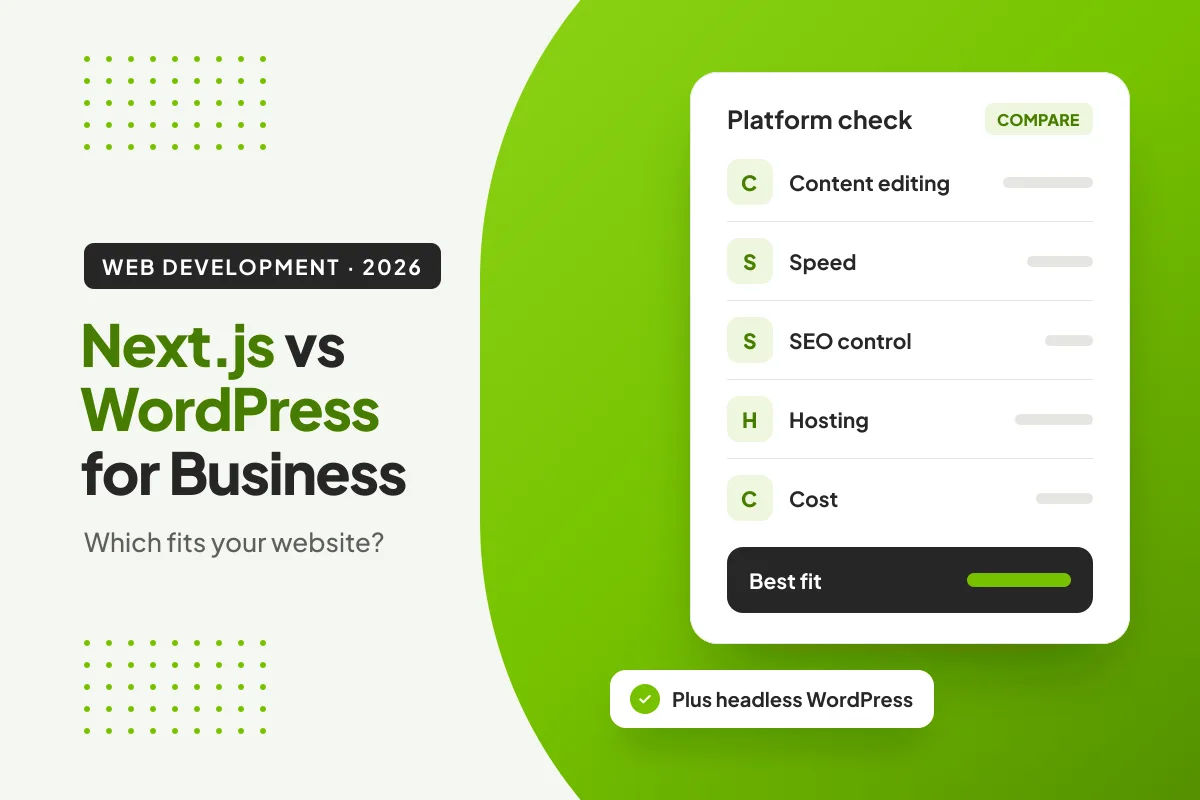
Next.js and WordPress are two of the most common choices for a new business website or a rebuild, but they are different kinds of tools. The short answer: WordPress is an open-source content management system (CMS). Your team logs in, edits pages and publishes posts, and thousands of themes and plugins add features without custom code. Next.js is a React framework that developers use to build fast, custom websites and web applications. It gives you more control over performance, design and features, but there is no built-in editing screen for your marketing team unless you add a CMS.
So the choice usually comes down to who will run the site day to day and how custom it needs to be. If your team wants to publish content often and the features you need already exist as plugins, WordPress is usually the practical choice. If you need a highly custom experience, app-like features, logged-in areas or tight control over speed, Next.js is often the better fit. A third option, headless WordPress, keeps WordPress as the editing tool and uses Next.js for the front end. This guide compares all three and explains how to choose.
Next.js vs WordPress at a glance
| WordPress | Next.js | |
|---|---|---|
| What it is | An open-source CMS built on PHP and a MariaDB or MySQL database | A React framework for building websites and full-stack web applications |
| Content editing | Built in: the block editor, or a page builder such as Elementor | None by default; content lives in code, files or a separate CMS |
| Speed and performance | Depends on hosting, theme, plugins and caching setup | Pages can be prerendered as static HTML or rendered on the server, chosen per page |
| SEO control | Good control through themes and SEO plugins | Full control in code: metadata, sitemaps, robots.txt and URL structure |
| Security and maintenance | Regular updates to WordPress core, themes and plugins | Fewer moving parts on a static build; developers update dependencies |
| Hosting | Any PHP host or managed WordPress hosting | Static file hosting, a Node.js server, a container or a platform that supports Next.js |
| Features | Plugins and themes for most common needs | Custom code, plus JavaScript packages and third-party APIs |
| Scalability | Scales with good hosting and caching | Grows from a marketing site into a web application on the same codebase |
| Cost profile | Lower build cost for standard sites; ongoing plugin and maintenance costs | Higher build cost; content changes may need a developer unless a CMS is added |
| Often a good fit for | Content-led business sites, blogs and teams that edit pages themselves | Custom sites, SaaS products, portals and performance-focused builds |
What is WordPress?
WordPress describes itself as open source software, licensed under the GNU General Public License and built on PHP and MariaDB. You install it on a web host (or use managed WordPress hosting), choose or build a theme, and add plugins for features such as contact forms, SEO settings, bookings, memberships or an online store with WooCommerce.
Its biggest strength for a business is that non-technical people can run it. Editors create and update pages in the block editor or a page builder, schedule blog posts, manage media and handle user roles without touching code. Because it is so widely used, it is also easy to find themes, plugins, hosting and developers for it.
What is Next.js?
The official documentation describes Next.js as a React framework for building full-stack web applications. Developers build the interface with React components, and Next.js adds routing, rendering, optimization and server features on top. New projects use the App Router, which supports newer React features such as Server Components.
Next.js is not a CMS. There is no admin screen, page builder or plugin directory. That is both its weakness and its strength: nothing is included that you do not need, and almost anything can be built. A marketing site, a customer portal and a SaaS dashboard can all share the same codebase and design system.
Content editing: who updates the site?
This is often the deciding question. With WordPress, your marketing team can add a landing page, edit a headline or publish a blog post the same day without a developer. With a plain Next.js site, content usually lives in code or files, so changes go through a developer and a deployment.
You can give a Next.js site an editing screen by connecting a headless CMS, including WordPress itself (see below). That works well, but it adds a second system to set up, host and maintain. If frequent self-service editing matters most, factor that in before you choose.
Performance and speed
Both can produce fast websites. The difference is how speed is achieved.
- WordPress builds pages from the database when they are requested, so performance depends on hosting quality, a lightweight theme, a sensible number of plugins, caching and image optimization. A well-built WordPress site can be quick; a site with a heavy theme and many plugins often is not.
- Next.js lets developers choose how each page is rendered. Pages can be generated as static HTML at build time, rendered on the server for each request, or refreshed in the background with Incremental Static Regeneration, which updates static content without rebuilding the whole site. A fully static export can be hosted on any web server that serves HTML, CSS and JavaScript.
In practice, Next.js gives a development team more direct control over performance, while WordPress depends more on good setup and discipline over plugins. Our guide to static vs dynamic websites explains the trade-off between prebuilt and database-driven pages in more detail.
SEO
Neither platform guarantees rankings. Search performance depends mainly on useful content, a clear site structure, internal links and fast, accessible pages, and both platforms can deliver those.
WordPress handles SEO through themes and plugins that let editors set titles, descriptions, sitemaps and redirects from the admin screen. Next.js handles SEO in code: its Metadata APIs set titles, descriptions and social images per page, and it has file conventions for sitemap.xml and robots.txt. The result is precise control, but changes usually need a developer.
Security and maintenance
A WordPress site needs regular care: updates to WordPress core, the theme and every plugin, plus backups, security hardening and checks that updates have not broken anything. Each plugin you add is more code to keep up to date. None of this is difficult with a maintenance routine, but it should be budgeted.
A statically generated Next.js site has no database or admin login on the public server, which removes a large part of that attack surface. It still needs maintenance: developers update Next.js and other packages, and any server features, forms or APIs need the same security care as any web application. See our WordPress website cost guide for how hosting and maintenance add to the running cost.
When WordPress is the better choice
- Your marketing team wants to create and edit pages and posts without a developer
- The site is content-led: services, blog, resources and landing pages
- The features you need already exist as reliable plugins (forms, bookings, memberships, WooCommerce)
- You want a lower initial build cost and a fast launch
- You want a wide choice of developers and hosting providers
For a business website of this kind, our WordPress development services cover custom design, Elementor or block-editor builds, and speed and security setup. For ongoing updates and new features, you can hire a dedicated WordPress developer.
When Next.js is the better choice
- You need a highly custom design or interactive experience that themes and page builders cannot deliver cleanly
- The website is part of a product: customer logins, dashboards, calculators, portals or a SaaS app
- You want tight control over performance, rendering and Core Web Vitals
- You have, or plan to hire, developers who can make content and code changes
- You need to connect several systems (CRM, payments, inventory, your own APIs) into one front end
Our custom web development services cover React, Next.js and Node.js builds, and if you are building a subscription product, see SaaS development. To add developers to your own team, you can hire Next.js developers full-time, part-time or hourly.
Headless WordPress with Next.js
Headless WordPress means using WordPress only to manage content and building the public website separately in Next.js. Editors keep the familiar WordPress admin. The Next.js front end fetches posts, pages and custom fields through the WordPress REST API, which gives other applications a way to interact with a WordPress site using JSON, and renders them as fast, custom pages.
Benefits
- Editors keep the WordPress publishing workflow they already know
- Developers get full control of the design, performance and features of the front end
- Content can feed more than one front end, such as a website and an app
- The WordPress admin does not have to sit on the public website
Trade-offs
- Two systems to run: WordPress still needs hosting, updates and security, and the Next.js front end needs its own hosting and maintenance
- Plugins that change the front end stop working: page builder layouts, theme features, and form or SEO plugin output need to be rebuilt or replaced in Next.js
- Previews take extra work: showing editors a draft before it goes live has to be set up on purpose
- Higher build cost than a standard WordPress site, because the front end is custom
Headless WordPress suits content-heavy businesses that need a custom, performance-focused front end and have a development partner to support both sides. For a straightforward business website, a well-built traditional WordPress site is usually simpler and cheaper.
Moving from WordPress to Next.js (or back)
A platform change is a project of its own. The biggest risk is losing search visibility, so plan it carefully. Our website migration SEO checklist covers every step in detail; the essentials are:
- Audit your current URLs. Export every page, post, category and media URL, and note which pages bring the most traffic and enquiries.
- Keep URLs where you can. If your posts live at /blog/post-name/, keep that structure on the new site.
- Map and redirect the rest. Every URL that changes needs a permanent redirect to its closest new page. In Next.js, redirects can be set in next.config.js; with a static export, set them at your host or CDN instead.
- Carry over SEO details. Move titles, meta descriptions, headings, image alt text, structured data and internal links.
- Replace plugin features. List what each WordPress plugin does today (forms, popups, bookings, analytics) and decide how each will work on the new site.
- Test before launch. Crawl the new site, check redirects and forms, submit the new sitemap, and watch Search Console after launch.
Cost: what to budget
Costs split into the one-off build and ongoing running costs. With Shreeji Software, starting prices are:
- WordPress websites: from $699 for a Starter site, $1,499 for a Business site and $2,999+ for a Custom build
- Custom web development (including Next.js): from $899 for a Starter build, $1,999 for a Business build and $3,999+ for a Custom build
- SaaS and software products: an MVP starts at $2,500
Final pricing depends on scope, functionality, content, integrations and timeline. A headless WordPress and Next.js build combines a WordPress setup with a custom front end, so it is quoted on scope. Running costs (hosting, domain, paid plugins or services, and maintenance) are separate on both platforms. Compare the total over two or three years, including how often you will need a developer to change content.
How to decide
Ask three questions. Who will update the site, and how often? Do the features you need already exist as plugins, or are they custom? Is the website a marketing site, or the start of a product? If your answers point to self-service content and standard features, choose WordPress. If they point to custom features, app-like behavior and a development team, choose Next.js. If you need both an easy editing workflow and a custom front end, consider headless WordPress.
How Shreeji Software can help
Shreeji Software is an in-house team with more than 15 years of experience, building WordPress websites as well as custom React, Next.js and Node.js websites and applications. We can recommend the platform that fits your content, features and team, then design, build or migrate the site. See our web development services, or tell us about your project using the form below.